
Samsung TV Repair in Bangalore
Looking for dependable Samsung TV Repair in Bangalore? A faulty television can disrupt your entertainment, especially when the problem involves a blank screen, distorted picture, no sound, power failure, or Smart TV connectivity. Appliance Pro India provides professional assistance for Samsung TV service requirements, helping customers identify the likely cause of a fault and determine the right next step.
Whether you have a Samsung LED TV, Smart TV, or another compatible model, getting the problem assessed by a service professional can help avoid unnecessary replacements and restore your TV’s functionality.
Expert Samsung TV Repair & Service in Bangalore
Common Samsung TV problems include:
- Samsung TV Won’t Turn On or Keeps Shutting Down
- Black or blank screen
- Flickering or distorted images
- Poor picture quality
- No audio or inconsistent sound
- HDMI and external-device connection problems
- Wi-Fi or Smart TV connectivity issues
- Streaming application errors
- Remote or sensor-related problems
- LED backlight and display-related faults
A proper inspection can help determine whether the issue involves settings, software, wiring, power components, backlight systems, or other internal parts.
Samsung LED TV and Smart TV Repair
If you are searching for a Samsung LED TV repair centre near me, professional diagnosis is important before replacing expensive components. A dark display, flickering picture, or uneven brightness can result from different underlying issues, so the appropriate repair depends on the TV model and fault.
For customers requiring Samsung smart TV repair service, problems may extend beyond the display. Smart TVs rely on software, internet connectivity, applications, wireless networks, and external devices. Issues such as applications not loading, Wi-Fi connection failures, or HDMI recognition problems may therefore require specific troubleshooting.
Appliance Pro India can help you understand the service requirement and the appropriate next steps based on your Samsung TV model and reported issue.
Need a Samsung TV Service Centre Near You in Bangalore?
Many customers search online for Samsung TV servicing centre near me, Samsung TV service centre near me, or Samsung TV repair centre near me when their television stops working correctly. However, choosing a service provider should involve more than location.
Consider the service process, communication, diagnosis, technical support, and repair recommendations before proceeding. Appliance Pro India focuses on making the service experience straightforward by understanding the customer’s problem and providing guidance based on the reported symptoms.
If you are looking for a Samsung LED TV service center near me, you can contact the team with your TV model, location, and description of the fault to discuss the available service options.
Why Choose Appliance Pro India?
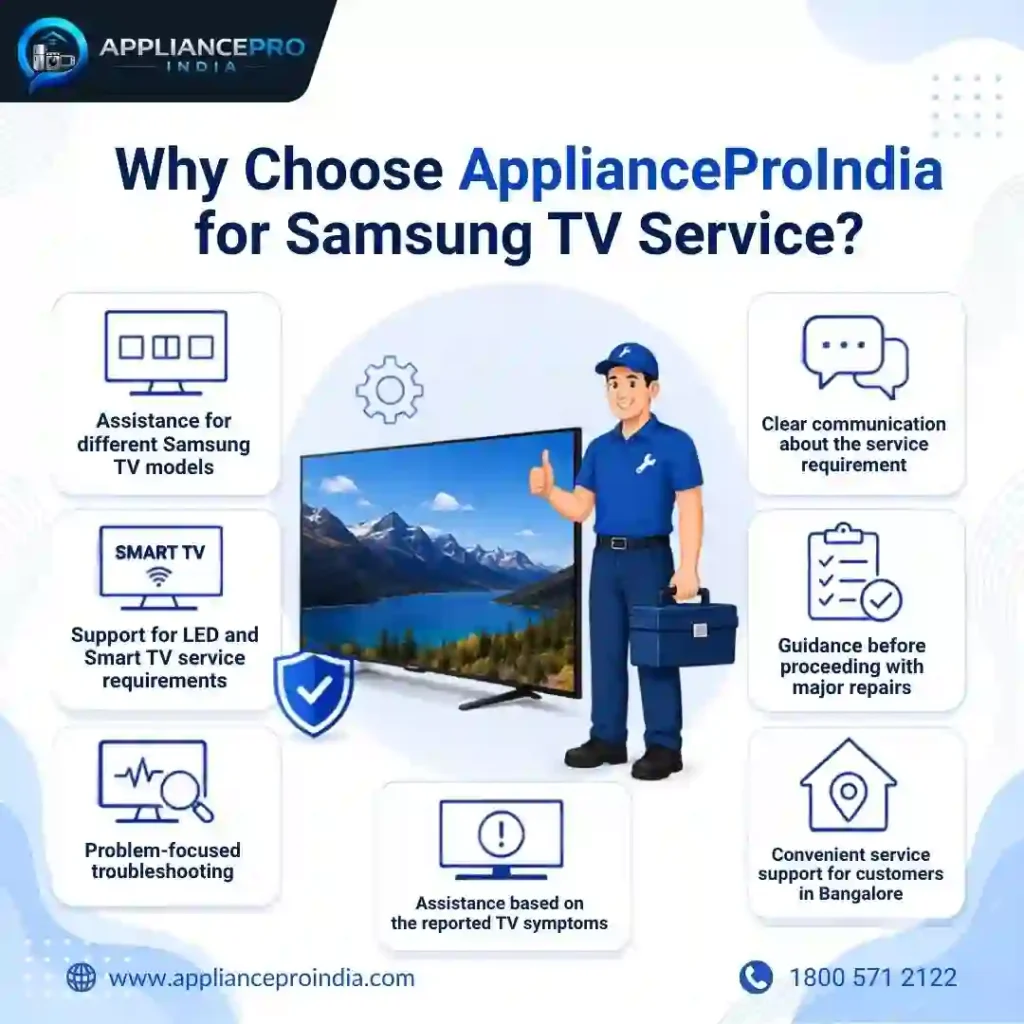
Choosing the right repair provider can make the difference between a temporary fix and a practical solution. Appliance Pro India aims to provide customers with a convenient and customer-focused approach to Samsung TV service requirements in Bangalore.
Key benefits include:
- Assistance for different Samsung TV models
- Support for LED and Smart TV service requirements
- Problem-focused troubleshooting
- Clear communication about the service requirement
- Guidance before proceeding with major repairs
- Convenient service support for customers in Bangalore
- Assistance based on the reported TV symptoms
If you are searching for Samsung TV repair service near me, providing accurate information about your television can help the service team understand your requirement more effectively.
Book Samsung TV Repair in Bangalore
Ready to get your Samsung TV checked? Booking a service with Appliance Pro India is simple. Share your Samsung TV model, Bangalore location, and the problem you are experiencing with the service team.
Whether your TV has a power issue, display fault, sound problem, connectivity error, or Smart TV concern, the team can guide you regarding the next steps and available service options.
Book your Samsung TV repair service today and get professional assistance for your television service requirement.
Frequently Asked Questions (FAQs)
Where can I get Samsung TV Repair in Bangalore?
You can contact Appliance Pro India for Samsung TV repair requirements in Bangalore. Provide your TV model, location, and a brief description of the problem to discuss the available service options.
Which Samsung TV Issues Can Be Repaired?
Common service requirements include power issues, black screens, display faults, sound problems, flickering, connectivity errors, HDMI issues, Smart TV problems, and LED backlight concerns.
Do you provide Samsung Smart TV repair service?
Yes, Appliance Pro India assists with Samsung Smart TV service requirements. Depending on the issue, troubleshooting may involve connectivity, software, applications, external devices, or hardware.
What Is the Cost of Samsung TV Repair in Bangalore?
Repair charges vary according to the TV model, fault, components involved, and required service. The actual requirement should be assessed before confirming the repair cost.
How to Book Samsung TV Repair Service in Bangalore?
Share your TV model, location and issue with Appliance Pro India for service.The service team can guide you regarding the next steps and available service options.
Get Samsung TV Service Assistance Today
Don’t let a faulty television interrupt your viewing experience. If you need Samsung TV Repair in Bangalore, contact Appliance Pro India with your TV details and service requirement.
For customers looking for broader Samsung appliance solutions, explore the Samsung Appliance pillar page to discover related Samsung appliance services and connect with the relevant service pages.